Jekyll is a lot of fun, in my opinion. It’s a static site generator that allows you to quickly create and update websites using markdown, without a lot of up-front work and without too much magic for my taste. It does simple things well and easily, and if you want to add more complex functionality, you can do so with plugins and custom code.
Following the the ethos of ‘easy to use/extensible’, I built a plugin: jekyll-page-asset to let me add simple components to jekyll pages that access assets, with the convention that the assets are placed in a directory for that page. Personal preference, but staying in markdown helps me focus on content, so this is a simple system for just dumping image/video etc in a directory and then referencing it in a custom liquid tag.
I also made this fun litle project portfolio theme
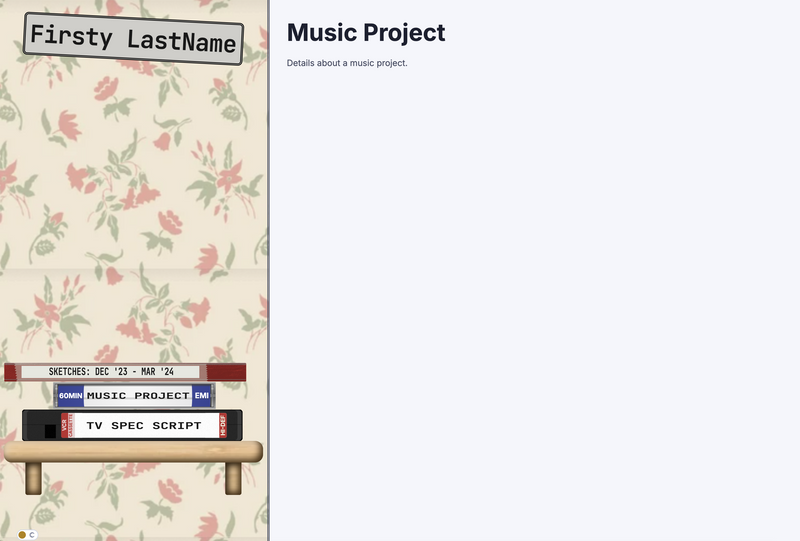
What’s neat about this is the way that each project markdown from the projects directory is represented in the menu as a VHS tape, CD case or notebook. They stack randomly to encourage you not to think about how you want them to stack.
On the other hand, the individual stack items are very customizable, because I couldn’t resist. You can define CSS classes for different looks of each stack item.
Try an emulation of the styling below:
This is all implemented with CSS variables, which is slightly more involved that a pure javascript solution, but I really wanted the clarity of being able to set the styles in a css stylesheet.